2 Registering to the DS Wizard
Use the link https://parc.ds-wizard.org/ to register/sign up.
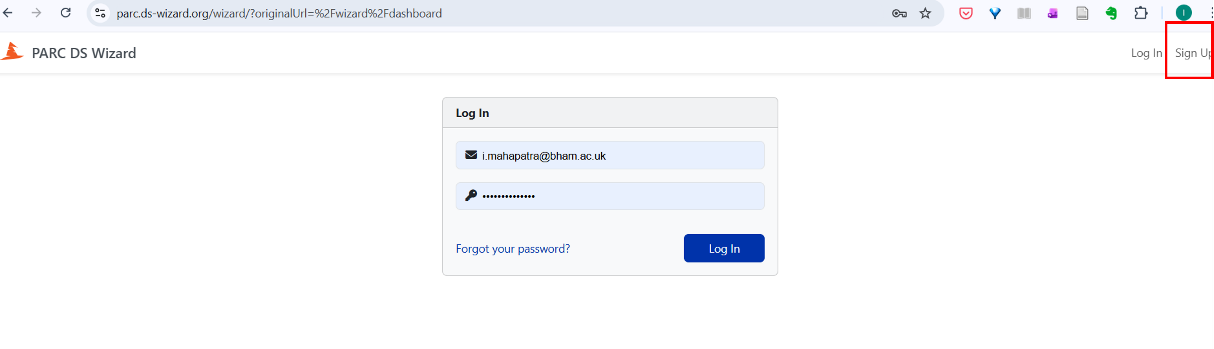
Figure 2.1: Creating an account in the PARC DS Wizard platform. - Note
We suggest that projects discuss and agree on their roles (please refer to the Appendix for roles related to DMP activities) for the specific project as defined for the DMP. Also, decide who would be responsible for creating the project DMP in the DSW.
One project member should create the DMP project in the DSW and then “share” (see Section 3.2) it with other project members who would be contributing to the DMP in various capacities. After you have included relevant details (e.g., your email id) to complete the registration, you will get the activation link sent to the email id used for the sign up.
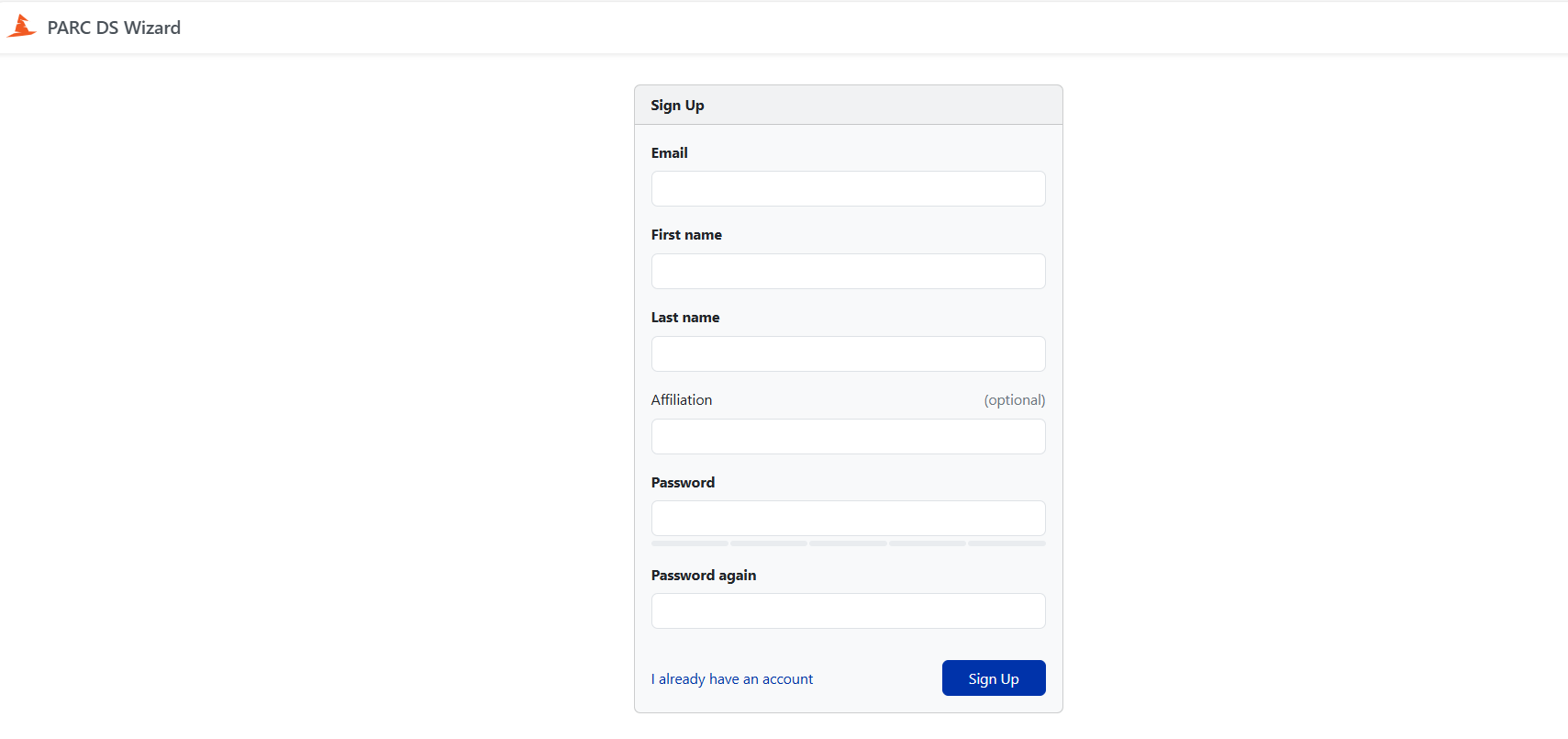
Figure 2.2: Sign up screenshot in the DSW When you click the activation link, you will reach the home screen; click on “Projects”.
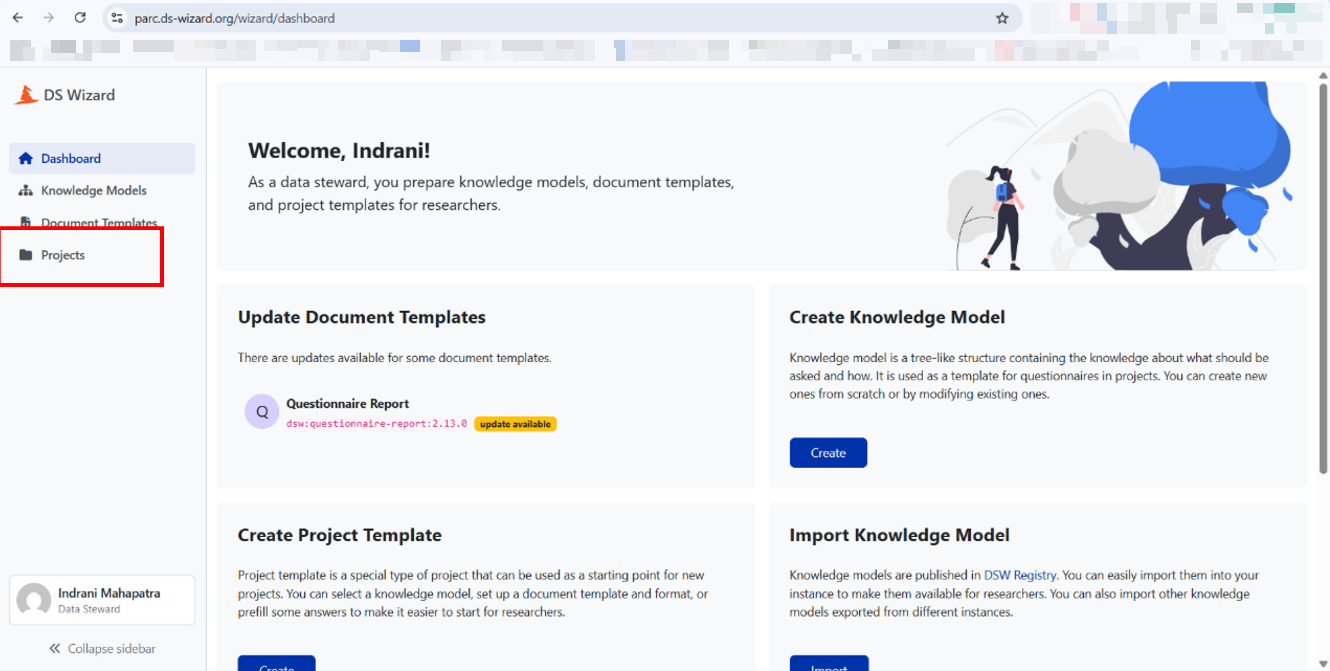
Figure 2.3: Dashboard in the PARC DSW Wizard tool.